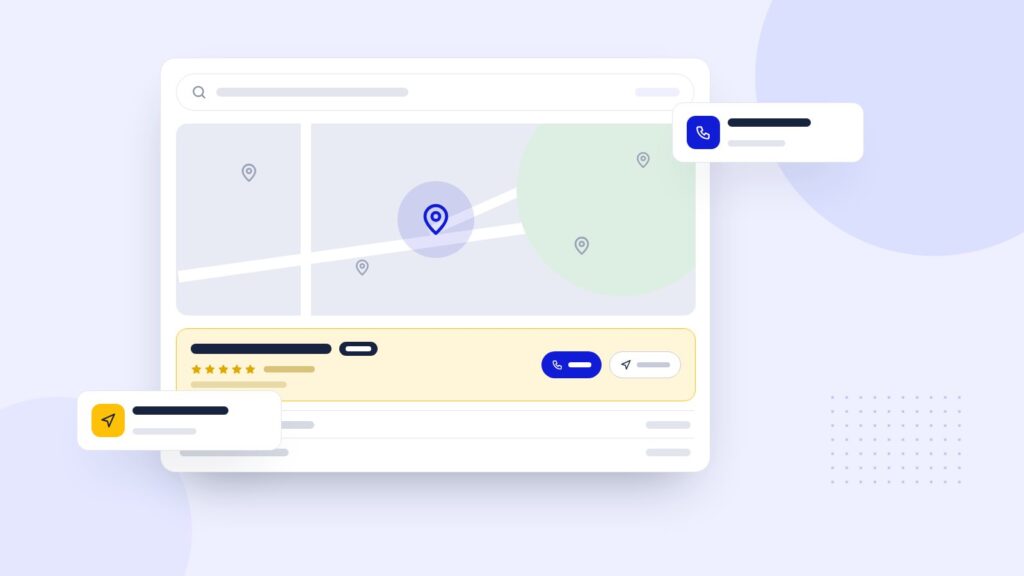
When someone searches for “plumber near me” or “dentist in Bristol”, Google usually shows a map with three businesses underneath it, above the normal results. This is often called the map pack, or the local pack, and for many local businesses it is the most valuable spot on the page: the people who see it are nearby and ready to call, book or visit.
There is no way to pay for a place among the regular map pack results, but there is a lot you can do to earn one. This guide explains how Google chooses the three businesses, and the practical steps that make the biggest difference.
How Google chooses the businesses in the map pack
Google says local results are based mainly on three things:
- Relevance: how well your business matches what the person searched for.
- Distance: how far your business is from the person searching, or from the place they named.
- Prominence: how well known and trusted your business is, judged from things such as your reviews and how often other websites mention you.
You cannot change where your customers are standing, so the work goes into relevance and prominence. That is where most businesses have room to improve.
You cannot move your business closer to every customer, but you can make it very clear to Google what you do, where you do it and why people trust you.
Step 1: complete your Google Business Profile
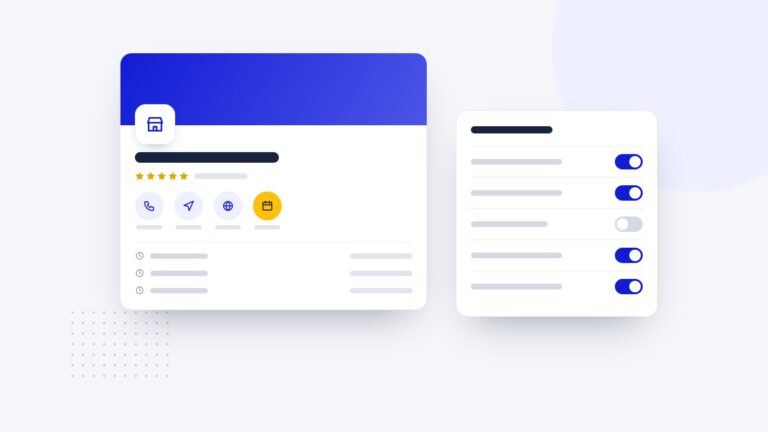
Your Business Profile is the listing Google shows in the map pack, so it is the place to start. Sign in at business.google.com and check each section:
- Primary category. Choose the one category that best describes your main service. Few settings have more influence.
- Secondary categories. Add the other services you genuinely offer, and nothing you do not.
- Services and description. List your services in the words customers use, and write a description that says what you do and where.
- Opening hours. Keep them accurate, including special hours for bank holidays.
- Photos. Add real photos of your premises, your team and your work, and keep adding new ones.
Tip: if you are not sure which primary category to choose, search for your main service and look at the categories the businesses in the map pack use.
Step 2: get reviews steadily, and reply to them
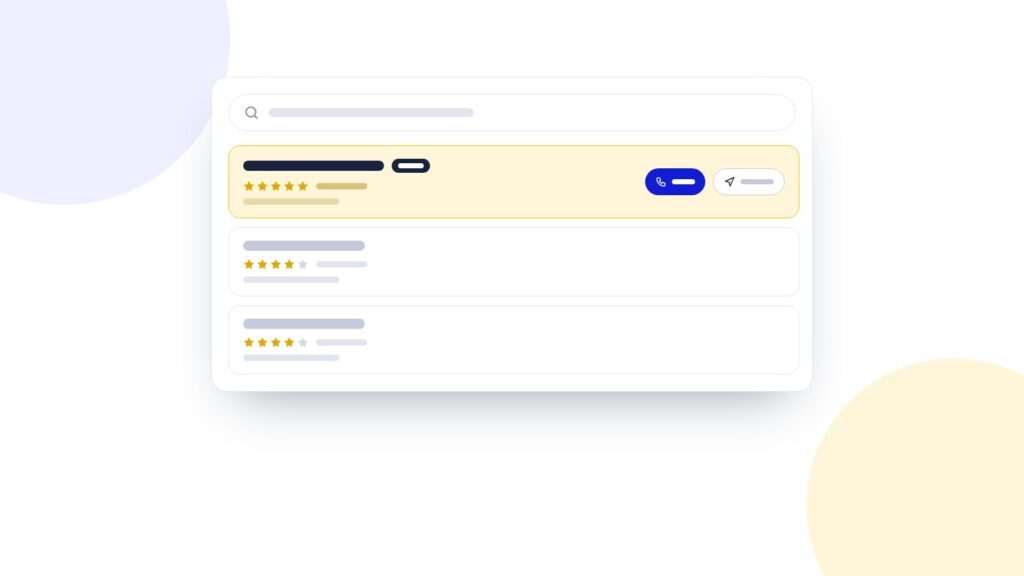
Reviews feed into prominence, and they are also what persuades people to choose you once they see the list. A steady flow of recent reviews tends to do more than a burst of reviews once a year.
- Ask every happy customer, at the moment they are most pleased with your work.
- Make it easy by sending the short review link from your Business Profile.
- Reply to every review, good or bad, in a friendly and professional way.
Never offer discounts or gifts in exchange for reviews, and never post reviews yourself. It breaks Google’s rules and can get reviews removed or your profile suspended.
Step 3: keep your details the same everywhere
Your business name, address and phone number should match exactly on your website, your Business Profile, Apple Maps, Bing, Facebook and any trade or review sites you appear on. When the details differ, it is harder for Google to be confident that all those mentions are the same business.
Step 4: make your website back it up
Google also looks at your website to understand what you do and where. Make sure it has:
- A clear page for each main service, written for the people who search for it.
- Your town or service area mentioned naturally where it is relevant.
- Your name, address and phone number on every page, usually in the footer.
- A fast, mobile-friendly design, because most local searches happen on phones.
A simple monthly routine
Local visibility is not a one-off job. A few minutes each month keeps your profile fresh and accurate:
| Task | How often |
|---|---|
| Reply to new reviews | Within a day or two |
| Add new photos | Every month |
| Post an update or offer | Every week or two |
| Check your opening hours | Before every bank holiday |
| Check your details on other sites | Every few months |
How long does it take?
Some changes, such as fixing your categories or opening hours, can make a difference within weeks. Building up reviews and mentions takes longer, and the competition in your area matters too. The businesses that do best treat it as a routine rather than a project.
If you would like us to look at how your business shows up today, book a strategy call and we will point out the quickest wins.